Classic Food Animations
A downloadable asset pack
Hello, this is my first ever project!
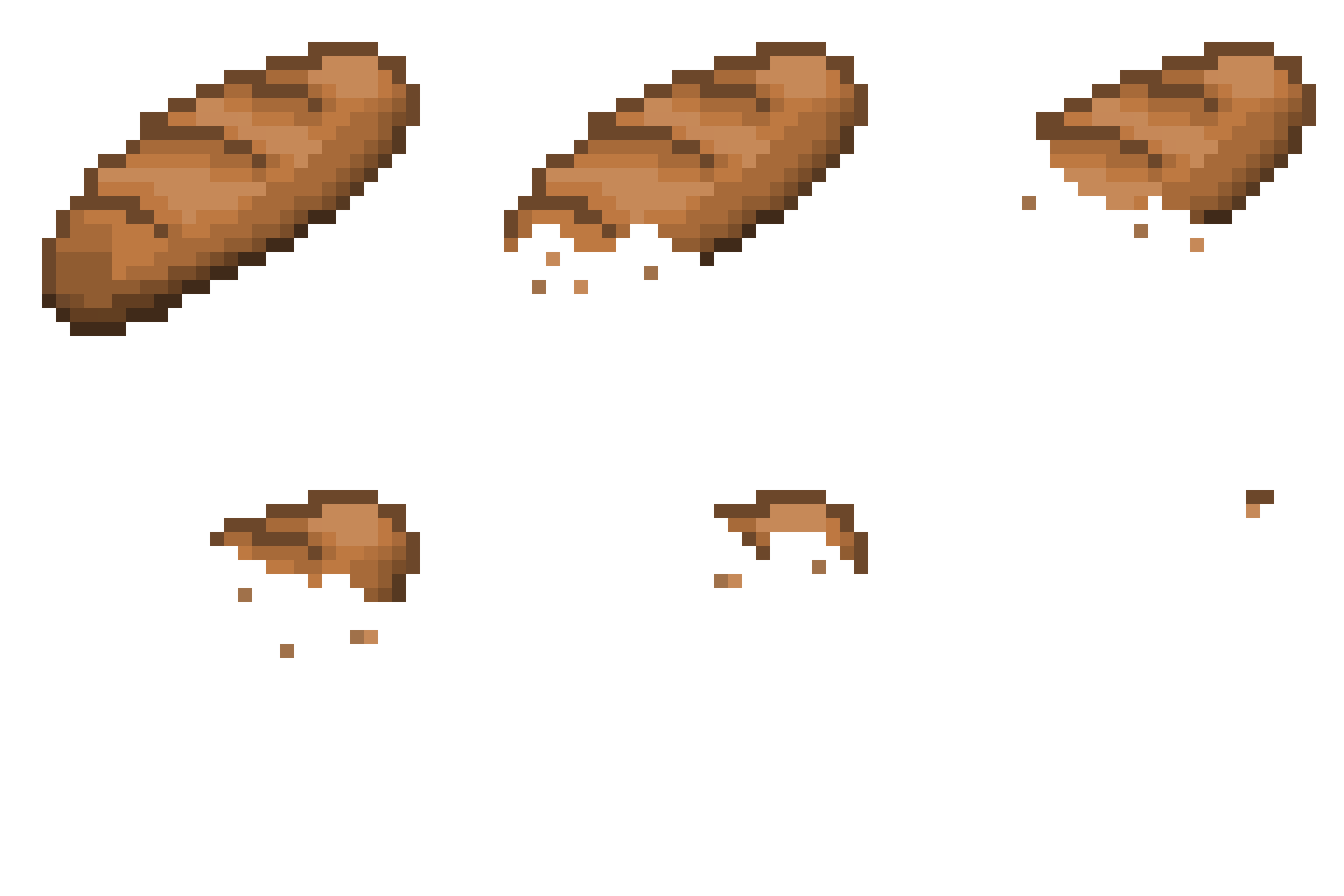
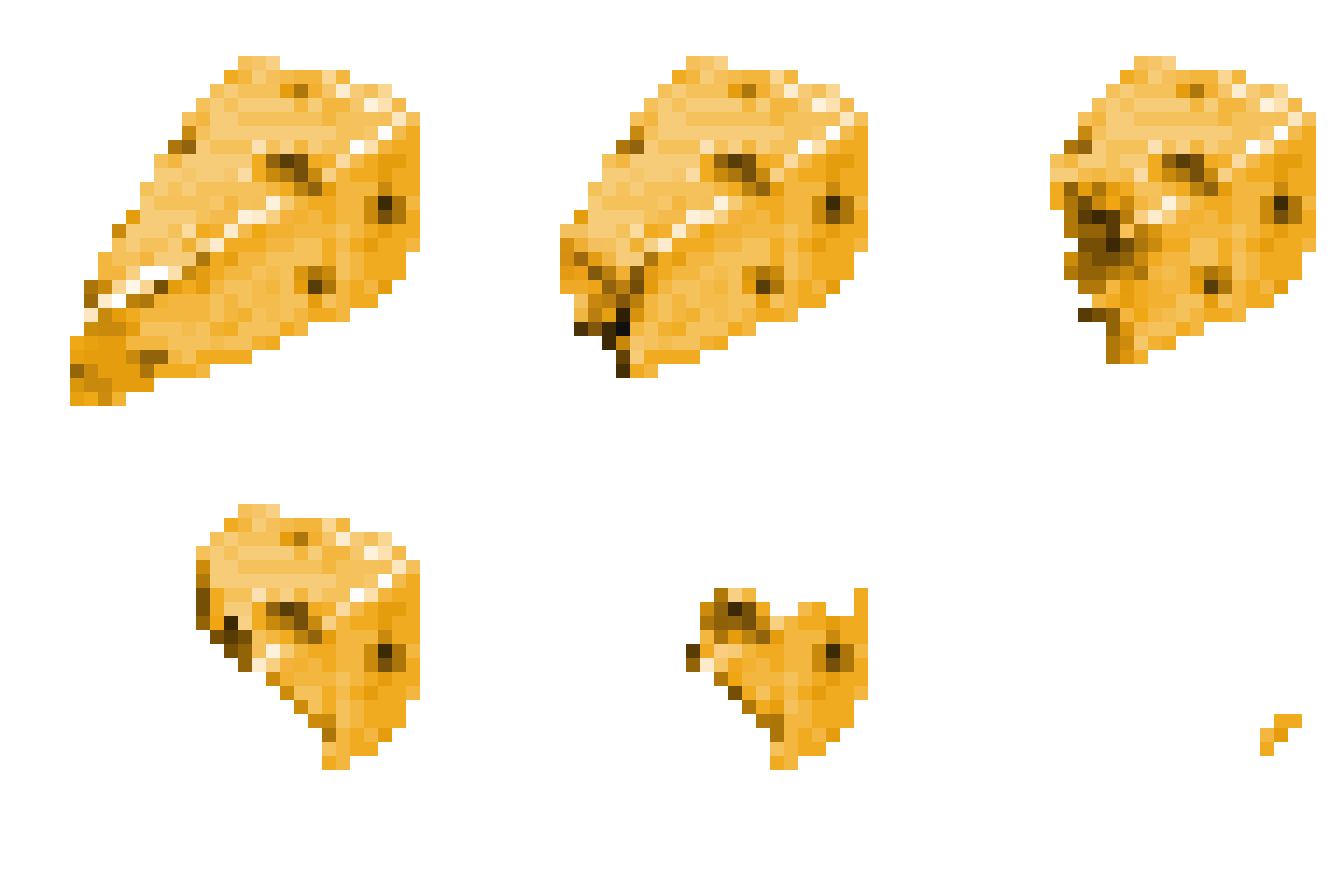
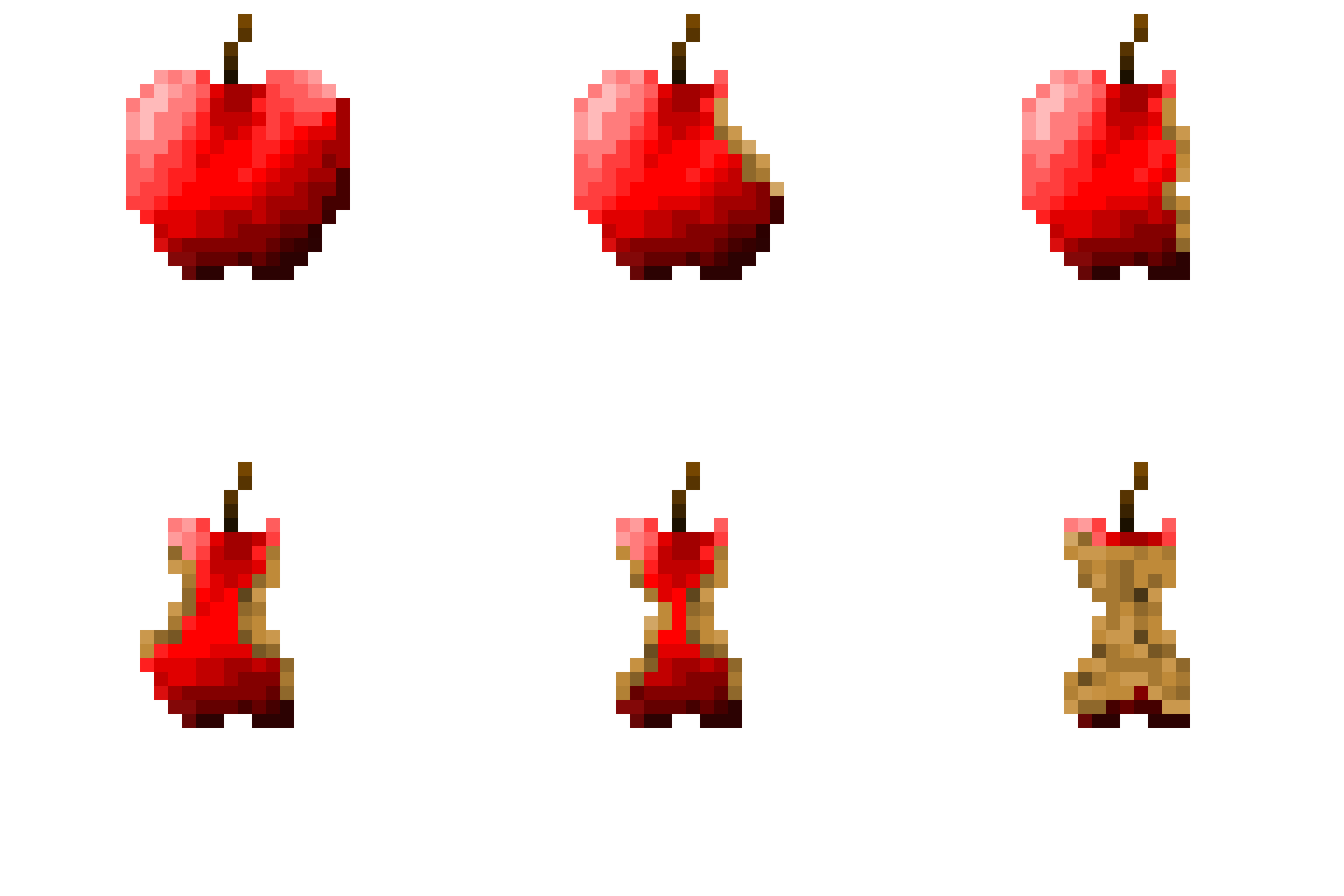
Here you can find the first 3 pixel arts I've ever created, and I decided to upload them here. Hope you like them.
Sincerely,
Food Frames
🍎🥖🧀
Download
Install instructions
How to use a spritesheet
1. Preparation
- Create or download your spritesheet (ensure the background is transparent).
- Export the file as a PNG.
- Ensure the frames are aligned in a grid (e.g., 32x32 pixels each) for easier cutting.
2. Setup in Engine
- Drag the PNG file into your project folder.
- Select the file and change the Sprite Mode setting from "Single" to "Multiple".
- Open the Sprite Editor (or your engine's slicing tool).
- Select Slice and choose "Grid by Cell Size" (enter your frame dimensions).
- Click Slice, then hit Apply to save the cuts.
3. Using the Sprites
- For Animation: Select all the sliced frames in your project folder and drag them into the scene together (this usually auto-creates the animation).
- For Static Images: Click the arrow on the spritesheet file to expand it, then drag a single slice into the scene.
Comments
Log in with itch.io to leave a comment.
this is good for the first time
Thank you!
good Job